

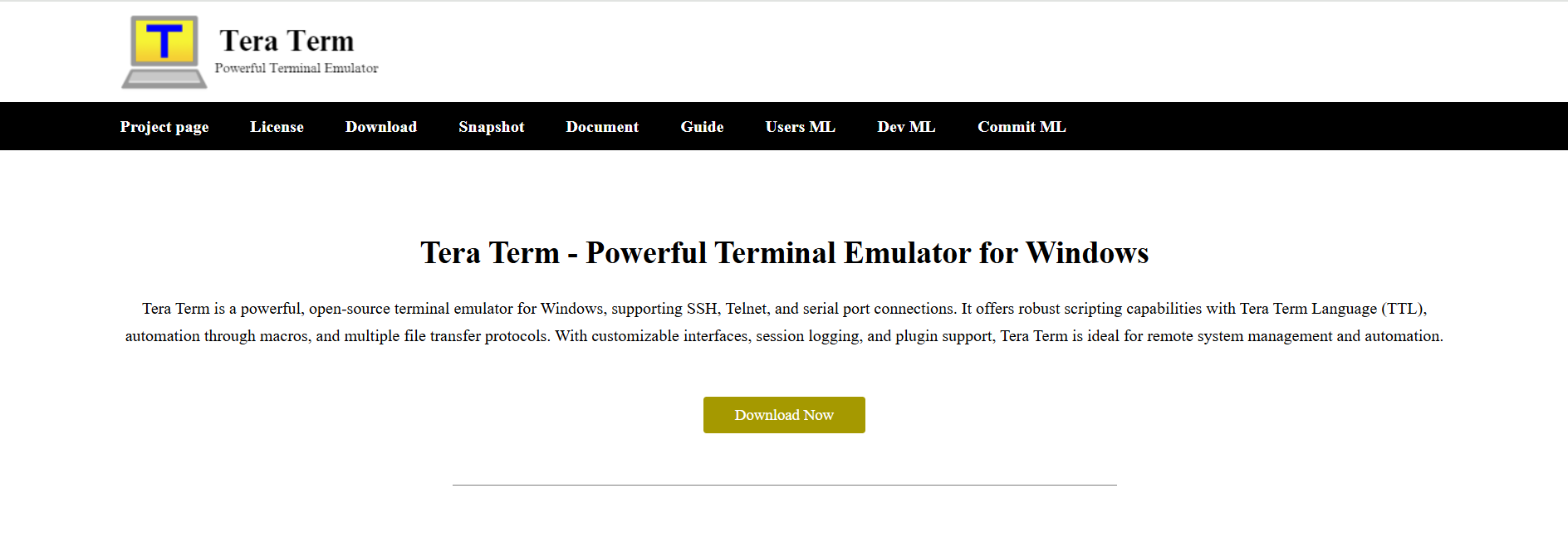
Tera Term stands as one of the most trusted terminal emulators available for Windows users. Originally developed by T. Teranishi and later extended by various contributors under the open-source Tera Term Project, it has become a powerful utility for developers, network engineers, and IT administrators. Its primary function is to allow seamless communication with remote devices over SSH, Telnet, and serial interfaces. What makes Tera Term truly valuable, however, are the extensive features it offers—combining performance, flexibility, and simplicity into one lightweight tool.
SSH and Telnet Protocol Support
Tera Term offers robust support for SSH (Secure Shell) and Telnet protocols, enabling users to connect to a wide range of remote servers and network devices. SSH is widely used for secure encrypted communication, while Telnet offers a simpler connection model. The built-in SSH client in Tera Term supports both SSH1 and SSH2 protocols, ensuring compatibility with modern and legacy systems.
The ability to switch between these protocols depending on the system requirement makes Tera Term extremely versatile. Whether managing a Linux server or accessing an embedded system, the tool seamlessly adapts to the situation.
Serial Port Communication
One of the standout features of Tera Term is its ability to communicate via serial ports. This is particularly important for hardware developers, embedded system engineers, and professionals working with IoT devices. Tera Term allows connection through RS-232 and USB-to-serial adapters, enabling direct interface with microcontrollers, routers, switches, and industrial equipment.
Configuring baud rate, parity, data bits, and flow control is straightforward in the Tera Term interface, making it an ideal solution for those needing precision and customization in their serial communication setup.
Lightweight and Efficient
Efficiency is key when working with multiple systems and managing resources. Tera Term is extremely lightweight in terms of system requirements and storage. It launches quickly, consumes minimal memory, and does not bog down the system even when multiple sessions are open.
This lightweight architecture makes it particularly useful for users on older machines, virtual machines, or those working in resource-constrained environments. Despite its small footprint, Tera Term delivers high performance and reliability.
Macro Scripting for Automation
For users who perform repetitive tasks or complex sequences regularly, Tera Term offers a built-in macro scripting language called Tera Term Language (TTL). This scripting capability enables automation of login processes, command sequences, data transfers, and more.
TTL supports variables, control statements (if-else, loops), string manipulation, and even file input/output operations. Scripts can be executed manually or triggered automatically, saving hours of manual work and reducing the risk of human error. This makes Tera Term a favorite among advanced users and system administrators.
File Transfer Capabilities
Tera Term supports various file transfer protocols including XMODEM, YMODEM, ZMODEM, B-PLUS, Kermit, and SCP (via SSH). These protocols enable secure and efficient data exchange between local and remote systems.
The SCP feature is particularly notable for transferring files securely over SSH connections. This makes it suitable for system backups, firmware updates, log transfers, and general file management on remote devices. The ability to handle multiple transfer protocols increases its utility in diverse operating environments.
Unicode and Multilingual Support
In global environments, software that supports multilingual communication is essential. Tera Term includes Unicode support, allowing it to display characters from multiple languages and character sets accurately.
Users dealing with international projects or non-English systems benefit from this feature. It ensures that logs, system messages, and input/output streams are displayed correctly, preserving the integrity of the data and communication.
Plugin Support for Extended Functionality
Tera Term’s modular design includes plugin support, enabling users to expand its core functionality as needed. The application comes with several built-in plugins and allows for the development or integration of custom ones.
Popular plugins include logging enhancements, TCP/IP packet filtering, and GUI improvements. With plugin support, Tera Term can be tailored to suit specific project requirements, adding flexibility to its core capabilities.
Session Logging and Monitoring
Keeping a record of terminal sessions is often essential for debugging, auditing, and documentation. Tera Term allows users to log terminal activity with customizable options such as timestamp inclusion, log format, and file naming conventions.
Logs can be stored in plain text, making them easy to analyze and share. The feature also supports real-time monitoring, allowing logs to be viewed or processed as they are generated. This is particularly useful in test automation, remote diagnostics, and security auditing.
Customizable User Interface
Tera Term offers several UI customization options that enhance the user experience. Users can modify font styles, color schemes, window behavior, and keyboard shortcuts according to their preferences. This is helpful when managing multiple sessions or working under specific visual requirements.
Color-coding different sessions or using customized layouts enhances readability and efficiency, especially for advanced users who require maintaining high levels of concentration over extended work sessions.
Portability and Easy Deployment
Another benefit is the ease of deployment. Tera Term can be installed via traditional installers or used as a portable application. The portable version requires no administrative privileges and can be run directly from a USB drive or network location.
This is particularly beneficial for field engineers or technicians who frequently move between systems and do not have installation rights. It also makes Tera Term ideal for enterprise deployment where central control over applications is necessary.
IPv6 and IPv4 Compatibility
Tera Term supports both IPv4 and IPv6 addressing, ensuring compatibility with modern network architectures. As more systems migrate to IPv6 due to address exhaustion in IPv4, having dual-stack support in terminal emulators becomes increasingly important.
This future-proofing adds long-term value, particularly for enterprise environments, ISPs, and developers working on next-generation network infrastructure.
Security Features and Encryption
Security is a crucial consideration for remote connections. Tera Term’s SSH support includes encryption, authentication via password or key-based systems, and support for modern ciphers. These features ensure that data transmitted between the local and remote systems remains secure.
Integration with Pageant (an SSH authentication agent for PuTTY) is also supported, enabling easy and secure key-based logins. This functionality helps organizations enforce secure access policies and comply with cybersecurity standards.
Multi-Session Handling
Tera Term allows users to run multiple concurrent sessions in separate windows. This is particularly useful when managing several devices simultaneously or comparing the behavior of similar systems in real time.
Each session can be independently configured, scripted, and logged. Users working in test labs, data centers, or network operations centers will find this feature indispensable for parallel monitoring and control.
Clipboard Integration and Text Editing
Efficient data entry and extraction are essential in terminal operations. Tera Term includes clipboard integration that allows users to copy and paste text seamlessly. It also features line editing and command history for improved usability.
With proper syntax highlighting and echo control, users can manage commands and outputs more effectively. These seemingly simple features contribute greatly to overall productivity.
Open Source and Community Driven
Being open-source, Tera Term benefits from continuous improvement driven by a dedicated developer and user community. Bugs are addressed promptly, and new features are added regularly. Source code availability allows advanced users to inspect, modify, and contribute to the project, ensuring transparency and innovation.
The vibrant community around Tera Term offers support through forums, documentation, and tutorials. This community-driven approach enables new users to learn the software quickly and facilitates the resolution of complex issues through shared knowledge.
Compatibility with Older Systems
Despite being regularly updated, Tera Term maintains backward compatibility with older Windows versions and legacy equipment. This is crucial for users operating in industrial, scientific, or military environments where older systems are still in use.
The consistent support across generations of Windows and hardware platforms means that users do not need to change tools when working with mixed environments. This stability is a key reason for Tera Term’s long-standing popularity.
Integration with External Tools
Tera Term can be integrated with other tools and scripts, making it a useful component in larger automation or testing frameworks. Whether used with batch files, PowerShell scripts, or development environments, it can be called upon to execute specific terminal tasks within a workflow.
Its flexibility in integration allows organizations to streamline operations and reduce manual workload across different departments.
Conclusion
Tera Term remains a top choice among terminal emulators for its combination of power, simplicity, and adaptability. Its core capabilities—SSH, Telnet, and serial communication—form a solid foundation, while features like macro scripting, file transfers, logging, and plugin support add advanced functionality. Compatibility with modern and legacy systems, combined with a lightweight design, makes it suitable for virtually any technical environment.

1 Comment
References:
1 minimum deposit casino australia payid best online pokies payid